Preaching plan
How to use the preaching plans
Everything you need to preach one of these sermons is on one page. Here is how to use it, in five steps.
Watch how it works
The five steps
Pick a sermon
Open the preaching plans page and tap the sermon you want to preach. That page has everything you need for that sermon.
Watch the sample sermon
On the sermon's page there is a video of the whole sermon. Watch it once to hear how it sounds from start to finish.
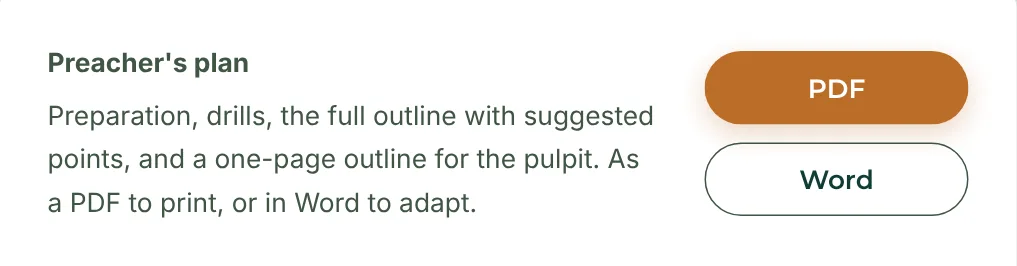
Print your plan
Further down, next to “Preacher's plan”, tap “PDF” and print it. It has everything you need to prepare, and a one-page outline to take to the pulpit.
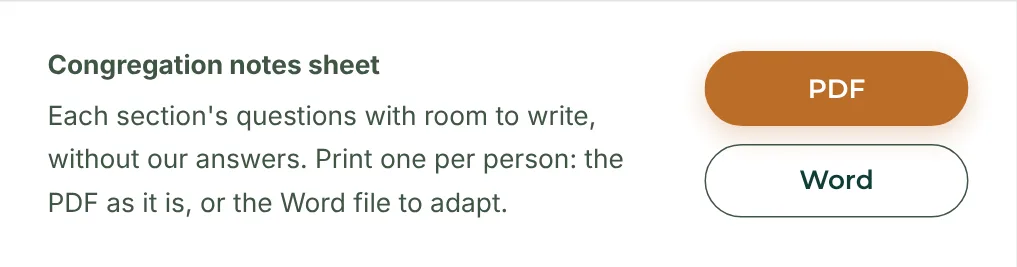
Print the notes for your congregation
Next to “Congregation notes sheet”, tap “PDF”. Print one for each person: it is one sheet, front and back.
Show the slides
Next to “Slides”, tap “PowerPoint” and open it on the computer that runs your screen. Move to the next slide as you preach.
Open the preaching plans
Point your phone's camera at this code to go straight to the preaching plans.